
The record is only worth what you do with it.
Alevyn Command Center is where leadership acts on what the field captures: review it, assign it, follow up, escalate it, sign off, and export the defensible evidence record. The incident isn't the liability. The unhandled record is.
From sealed record to closed loop.
Capture seals what happened. Command Center is where leadership decides what to do about it, and leaves a record of having done it.
Portfolio
3 properties
Portfolio · 3 properties
What needs you
Export exposure report
timestamped · for the VP
Unseen
2
captured, no one looked
Waiting on you
3
in progress
Past due
1
over the window
Exposure over time
unseen · waiting
when the band climbs, the liability window is opening
- 01
Review and respond
Open a sealed incident, add detail, and respond. Amendments are append-only: detail gets added over time, the original is never overwritten, and every change stays on the record.
- 02
Assign
Route the incident to the person who owns it, so accountability has a name and a date.
- 03
Follow up
See what's open, what's stalled, and what's handled, without chasing people for updates.
- 04
Escalate
Raise leadership-level incidents to regionals and asset managers with the full record attached.
- 05
Sign off and export
Close the loop and export the defensible evidence record for vendors, legal, and insurance.
The field fills the record.
Alevyn Capture is the mobile-first front door. A maintenance tech, or anyone who walks the property, photographs an incident or hazard and it's sealed and timestamped on the spot. No new behavior to learn. The record lands in Command Center the moment it's taken.
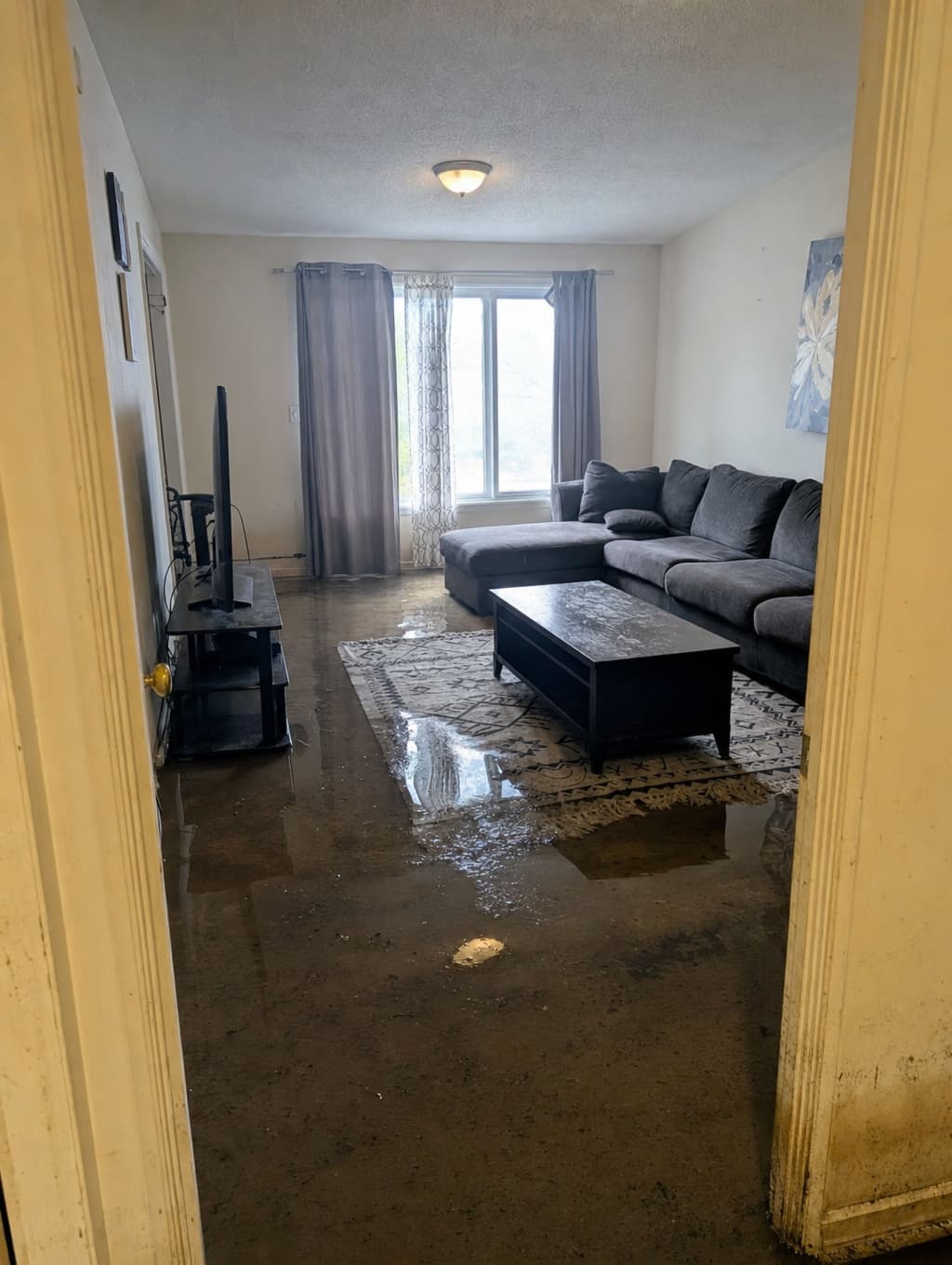
Tap photo · Hold video
Tamper-evident by construction.
Every record is sealed with a server-computed signature the moment it's captured. Amendments are append-only, so detail can be added over time while the original stays intact and every change is visible. The point isn't that a record can't be questioned. It's that changes can't hide. And the record belongs to the operator. Nothing leaves the building unless you export it.
If it's harder than a photo, it doesn't happen.
Documentation that takes real effort doesn't get done on a bad day. So Capture asks for a photo and nothing else. Sealed the moment it saves, synced when there's signal, details optional. The bar for the record existing is the bar for taking a picture.
Built for the people who answer for the asset.
Asset managers and portfolio managers own the cost when an incident goes undocumented. Regionals escalate, site managers review and respond, and techs and onsite staff capture. One record, role-aware at every level, so what happened and how you handled it never comes down to memory.
Put it in the field and see the record build.
Start a free trial of Capture and Command Center at one property. Your team documents incidents as they find them, leadership acts on them, and you keep a sealed, exportable record. If it fits, a pilot scales it across the portfolio.