
Property issues.
Clear next steps. One complete record.
Alevyn helps multifamily teams capture incidents with photos and video, assign follow-up, and keep the evidence and response history together.
Keep the issue and the follow-through together.
Photos, work orders, and email threads can tell different parts of the same story. Alevyn connects field evidence with the response, so managers can see what happened and explain how it was handled.
Capture what happened
Field teams save photos and video while they are at the property.
Keep the context
Evidence stays with the incident, even when team members change.
Document the response
Keep assignments, updates, and sign-off with the original evidence.
Prepare for review
Export the record for leadership, legal, or insurance review when needed.
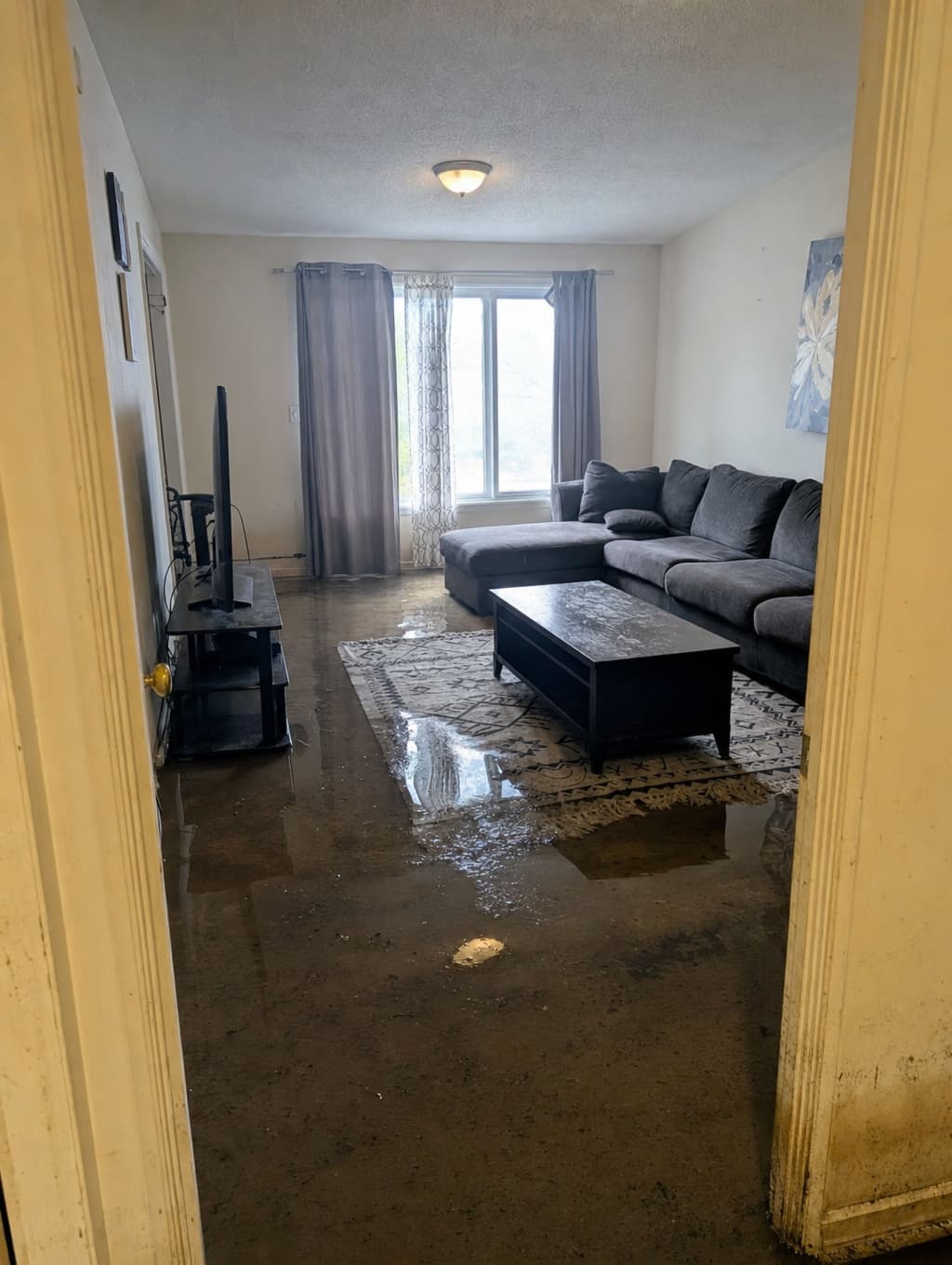
Capture the issue on your phone.
Field teams tap for a photo or hold for video in Capture. Add a category, location, or note when useful. Optional details do not block the save.
Without a signal, captures save on the phone and sync when connected. Managers can review them in Command Center after upload. Capture and upload protections help preserve the original evidence; the complete record seals later, at sign-off.
- Photo or video, on the phones your teams already carry.
- Works with no signal. Saved on the phone, synced when connected.
- Details are optional. The record exists either way.
Tap photo · Hold video
Portfolio
3 properties
Portfolio · 3 properties
What needs you
Export exposure report
timestamped · for the VP
Unseen
2
captured, no one looked
Waiting on you
3
in progress
Past due
1
over the window
Exposure over time
unseen · waiting
when the band climbs, the liability window is opening
Assign follow-up. Keep the response on record.
Managers review uploaded photos and video in Command Center, assign follow-up with written instructions and a due date, and track the response. The evidence and updates stay together, so the next person can see the context.
When leadership signs off, the record seals. Export the evidence, timestamps, response history, and sign-off together for leadership, legal, or insurance review.
- Assign an owner, written instructions, and a due date.
- Track follow-up alongside the original photos and video.
- Sign off, seal, and export the complete record.
Works alongside your property management system.
Keep Yardi, RealPage, Entrata, or AppFolio for property operations. Use Alevyn to connect incident evidence with the response. Capture and Command Center work as a standalone system.
One record, from capture to sign-off.
Keep using your existing tools to run the property. Alevyn brings incident evidence and response history together for day-to-day follow-up and later review.
Across separate tools
- ✕ Photos and video in camera rolls
- ✕ Assignments in email or messages
- ✕ Updates separated from the original evidence
- ✕ Sign-off recorded in another system
- ✕ A timeline assembled by hand when needed
Together in Alevyn
- Photos and video linked to the incident
- Assignments with written instructions and due dates
- Response updates kept with the evidence
- A history of who did what and when
- Record sealing at sign-off
- An export with evidence, response history, and sign-off
See the workflow at one property.
Use Capture and Command Center in your daily workflow, with founder support. Field teams capture issues, managers coordinate follow-up, and evidence stays with the response history.
Free, founder-supported pilot. One property for 30 days after onboarding, for the first 2–3 qualified organizations.
Discuss a pilotA named manager, participating field staff, and short weekly feedback. No automatic charges or obligation to continue. Extensions require agreement.