
For Operators & Regional Leaders
Field teams document. Leadership acts. Nothing falls through.
Alevyn works as two connected products. Onsite teams photograph an incident in the field with Capture, and on submit it creates a sealed record. You review each incident in Command Center, assign an owner, follow up, and sign off, so you see what needs a decision without chasing people for updates, and you keep a record of what was escalated and decided across your sites.
Incidents close on-site. The record never reaches the region.
On-site teams handle it, regional leaders lose the record
Each property closes work as it comes in. Regional leaders rarely get a clean record of what happened and what was done, until ownership asks first.
Surprise calls from corporate about a property
By the time corporate asks why a property is struggling, the answer is buried across maintenance, inspection, and vendor records. Operators reconstruct the timeline under pressure.
No accountability across sites
Without one place where incidents get captured, reviewed, and signed off, it is hard to show who owned what and whether it was actually handled.
Capture the incident. Act on it. Keep the record.
A decision record, not a recall exercise (Command Center)
When ownership asks what was known and what was done, you show a timestamped record of what was reviewed, escalated, and decided, with the sealed evidence attached.
See what needs a decision (Command Center)
Each sealed incident reaches you in Command Center, so you see what needs your call and follow up without chasing people for updates across the region.
Vendor and recurring-issue context
Recurring issues at a property and repeat failures by a vendor show up in the record, so operations decisions have evidence behind them.
Easy for the team. Clear for leadership and ownership.
Captured in the field
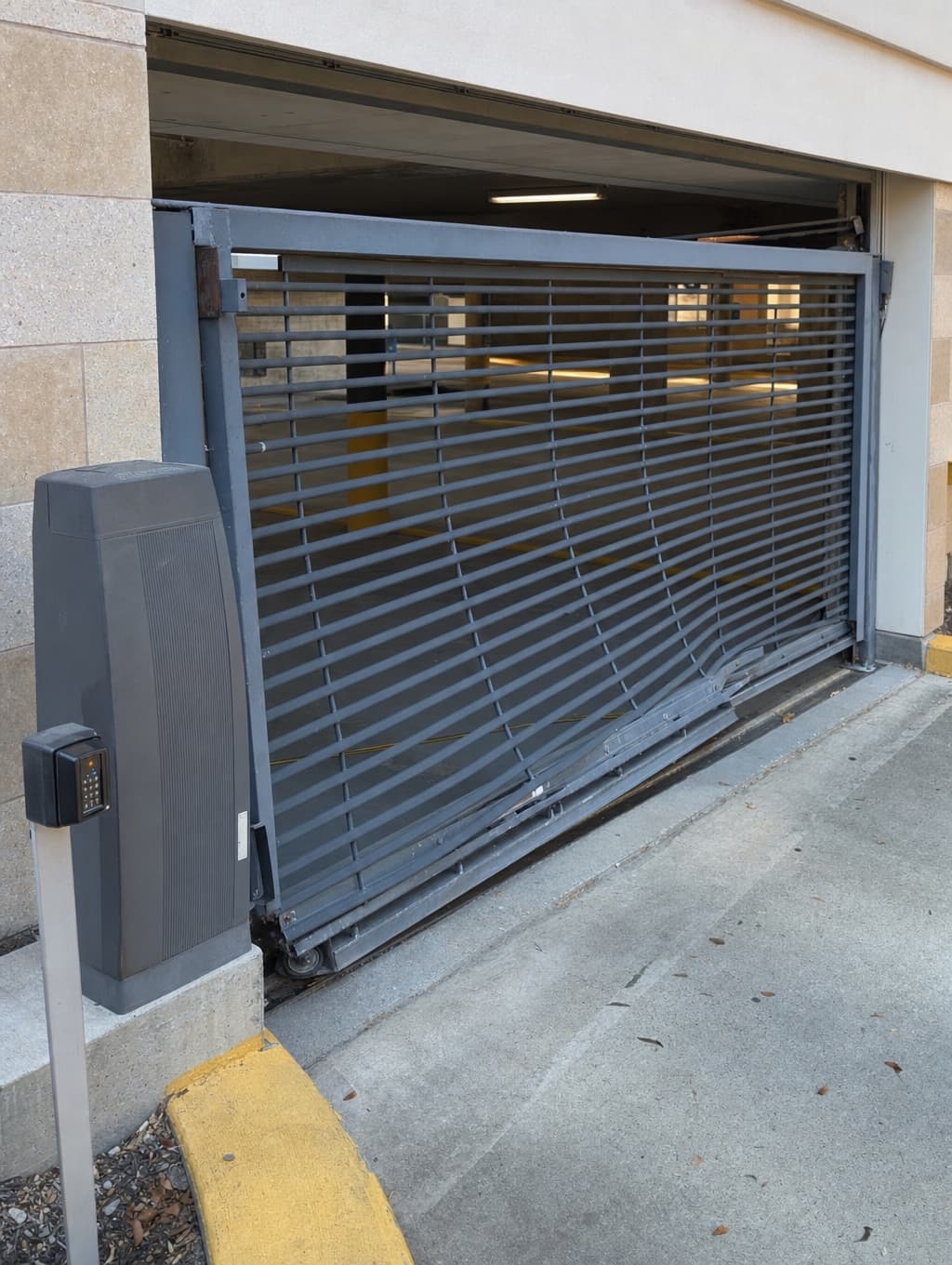
Onsite teams photograph each incident across your sites with Alevyn Capture. On submit it creates a record and seals the evidence with a server timestamp, tied to a property.
Tap photo · Hold video
Reviewed and sealed in Command Center
You review each sealed incident in Command Center, assign an owner, follow up, and sign off, so you see what needs a decision without chasing people for updates.
Portfolio
3 properties
Portfolio · 3 properties
What needs you
Export exposure report
timestamped · for the VP
Unseen
2
captured, no one looked
Waiting on you
3
in progress
Past due
1
over the window
Exposure over time
unseen · waiting
when the band climbs, the liability window is opening
Escalate and record the decision
When an incident needs leadership, it escalates with the sealed record attached, and Command Center records what was reviewed, acknowledged, and decided, by whom and when.
Incident
Common-area condition — Crescent Pointe
Crescent Pointe · 5 records
Severity
Elevated
Exposure
Operational, Renewal
Escalated to leadership · record attached
Vendor delays, repeat inspection notes, and resident reports at one property need a record, not a scramble.
A delayed vendor dispatch, a follow-up inspection note, and a series of resident reports each get captured and sealed in the field. You review them in Command Center, assign an owner, and sign off. When ownership asks what was known and what was done, the record is already there, by property and by date.
Repeat resident reports about common-area condition captured
Vendor dispatch delayed past target window documented
Inspection note flagging the same area twice on the record
Operational follow-up assigned and signed off
Make sure nothing falls through across your region.
Try Capture and Command Center on one property for 7 days. Your team captures and seals incidents in the field, and you get a provable record of what was escalated and decided. If it fits, the next step is a paid pilot.